Click any node to explore its connections in Focus Mode
· 3 min read

I'm excited to share a feature that makes exploring complex diagrams significantly easier. You can now click any node in the visualizer to open Focus Mode.
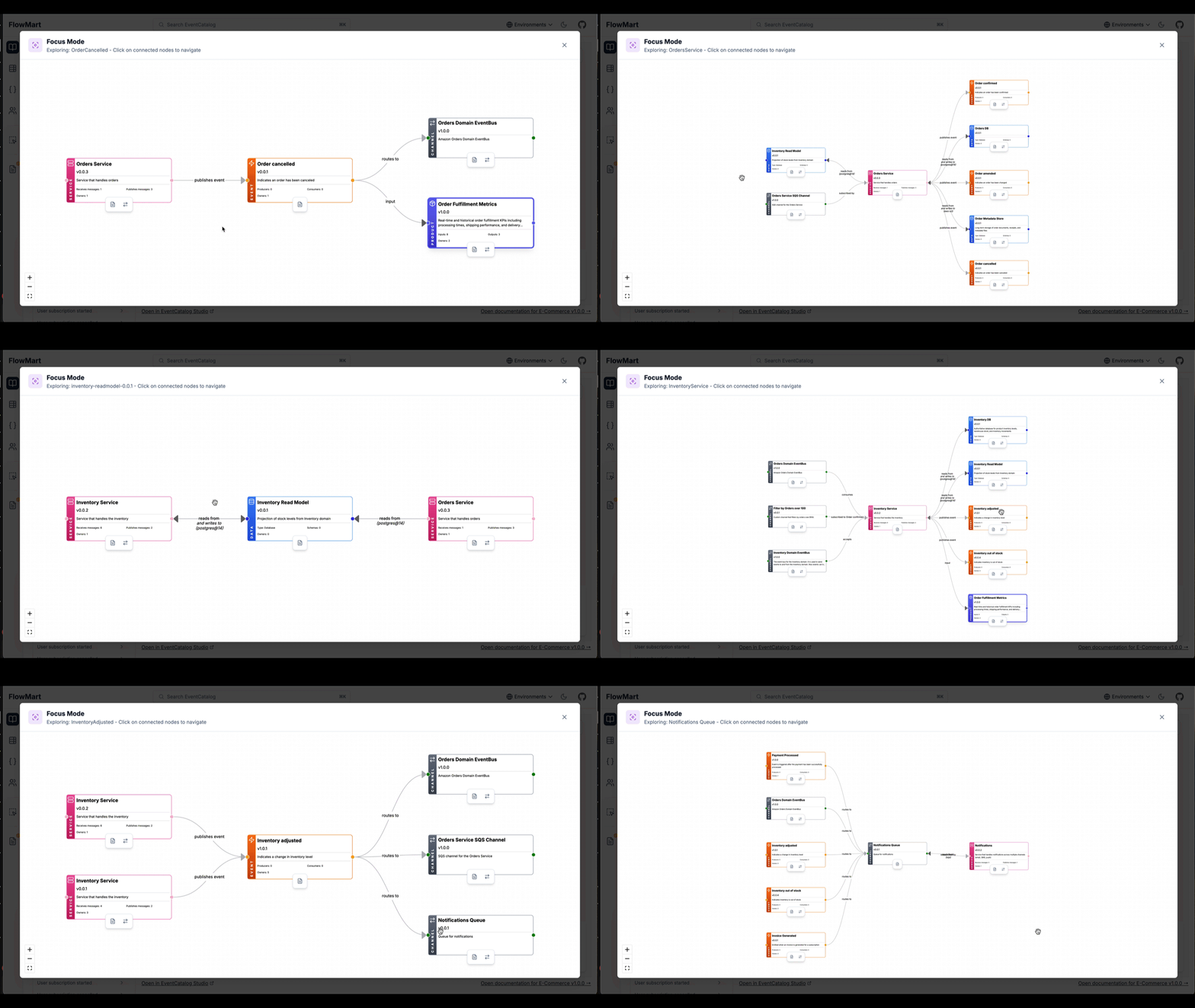
Focus Mode shows the clicked node in the center with all incoming connections on the left and outgoing connections on the right helping you understand how your architecture interacts.