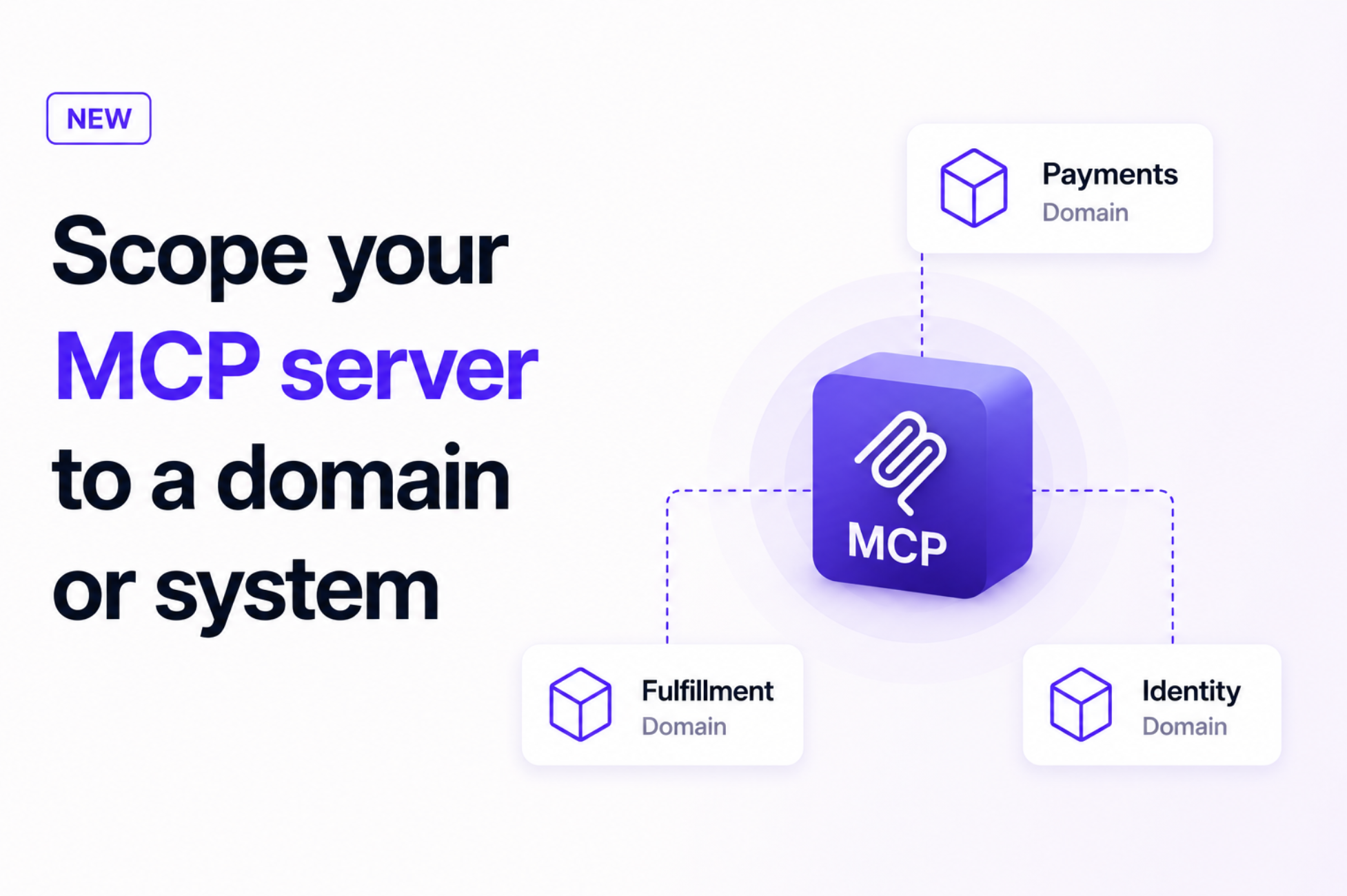
Scope EventCatalog's MCP server to a domain or system so AI tools work with the right services, language, and decisions without loading the whole catalog.
More context is not always better context.
EventCatalog's MCP server already lets AI tools and agents query your entire architecture. That is useful when you need to understand organization-wide dependencies, but most engineers spend their day working inside a much smaller boundary.
You can now connect an MCP client to a specific domain or system. Your team gets the architecture knowledge it needs, including the connected services, messages, schemas, flows, language, and decisions, without pulling unrelated parts of the catalog into every conversation.
The problem with giving every task the entire catalog
Organizations that practice domain-driven design deliberately split their architecture into bounded contexts. A term such as "customer", "order", or "account" can mean something different to the Payments team than it does to Fulfilment, and each domain may follow its own standards and architecture decisions.
That separation helps teams work independently. It also means an agent connected to the whole catalog can receive far more context than the task requires.
Imagine an engineer working on refunds asks:
Which events should this service consume, and what decisions do I need to follow?
The useful answer lives in the Payments domain. Loading resources from Shipping, Identity, and Analytics adds noise, makes similarly named concepts easier to confuse, and leaves the engineer spending time checking which answer applies to their work.
The usual workaround is manual. Engineers repeat the domain boundary in prompts, search the catalog themselves, paste relevant documents into the conversation, or interrupt another team for confirmation.
That is time spent assembling context before the real work can begin.
One MCP endpoint for every domain and system
EventCatalog now exposes a scoped MCP endpoint for every domain and system in your architecture.
Open a domain or system page and select Connect to MCP server. EventCatalog gives you a URL for that part of the catalog, ready to use in any client that already connects to the whole-catalog MCP server.
https://your-eventcatalog.com/docs/mcp/domains/payments
https://your-eventcatalog.com/docs/mcp/systems/payment-processing/1.2.0
Your AI tool can connect at the level that matches the question it needs to answer:
The scoped server includes the selected domain or system and follows its supported relationships recursively. This gives the client the connected architecture graph while leaving unrelated catalog resources out of the context.
The unversioned URL follows the latest version. If you open a historical version of a domain or system, EventCatalog gives you a versioned MCP URL instead, which is useful when an agent needs to reason about the architecture as it existed for a particular release.
What this saves your teams
Less time explaining where the work belongs
Connect a team's coding tools to the domain they own once. Engineers no longer need to begin every prompt with a list of services, boundaries, or documents the agent should consider.
Fewer irrelevant answers to verify
A focused architecture graph reduces the number of similarly named resources and unrelated dependencies an agent has to reason through. Engineers can spend less time separating a plausible organization-wide answer from the answer that applies inside their boundary.
Faster onboarding inside a domain
New team members can ask about the services, messages, schemas, and flows connected to their area from the tools they already use. They can also discover the domain's ubiquitous language and relevant architecture decision records without finding the right expert or searching across several documentation systems.
More consistent decisions
When architecture decisions and domain language travel with the technical model, an agent can explain both what exists and why the team built it that way. That helps engineers follow local standards before implementation and review, when changing direction is still cheap.
A Payments team example
Suppose the Payments domain contains a Payment Processing system, PaymentService, RefundService, the PaymentAuthorized event, message schemas, business flows, and ADRs that describe how payment events must be versioned.
The team can connect VS Code to that domain with one entry:
{
  "servers": {
    "payments-architecture": {
      "type": "http",
      "url": "https://your-eventcatalog.com/docs/mcp/domains/payments"
    }
  }
}
Developers can then ask questions such as:
- "Which services produce or consume
PaymentAuthorized?" - "What is the impact of changing this event schema?"
- "Which architecture decisions apply to the refund flow?"
- "What does settlement mean inside the Payments domain?"
- "Who owns the services involved in payment processing?"
The agent works from the Payments architecture graph rather than searching the entire catalog. The answers remain grounded in the same source of truth the team reads in EventCatalog.
This also works at the system level. If a team is changing only the Payment Processing system, connect the system-scoped URL and give the agent an even more focused starting point.
When to use each scope
Use the whole-catalog MCP server when the question crosses boundaries. Organization-wide discovery, dependency analysis, and finding every consumer of a shared event are good examples.
Use a domain-scoped server when a team works primarily within one business boundary and needs that domain's resources and ubiquitous language.
Use a system-scoped server when the task concerns one implementation boundary, such as understanding or changing the services and messages that make up Payment Processing.
This is context scoping, not a separate authorization policy for each domain or system. Your existing MCP OAuth configuration protects the whole-catalog and scoped endpoints, while the scoped URL controls which architecture graph the client can query.
Getting started
The built-in MCP server requires EventCatalog to run in server mode with a Scale license.
- Open the domain or system you want to connect.
- Select Connect to MCP server.
- Copy the scoped URL.
- Add that URL to your MCP client.
- Ask a question about the architecture inside that boundary.
For local catalogs, the same pattern starts at localhost:3000:
http://localhost:3000/docs/mcp/domains/payments
The scoped MCP server documentation includes URL patterns, versioning behavior, supported clients, OAuth configuration, and notes about tool availability.
Give teams the context they need
Your catalog can describe the whole organization without forcing every task to load the whole organization.
Scoped MCP servers let teams bring the architecture knowledge for a domain or system directly into their AI tools. That means less time finding and restating context, fewer irrelevant answers to verify, and more time working with the services, language, standards, and decisions that actually apply.
Try it with the MCP server guide, share feedback in Discord, or open an issue or contribution on GitHub.