
Visualize your C4 architecture diagrams with IcePanel integration
IcePanel is a powerful tool for visualizing software architecture using the C4 model. Now you can embed your IcePanel diagrams directly into EventCatalog, bringing your architecture documentation to life.
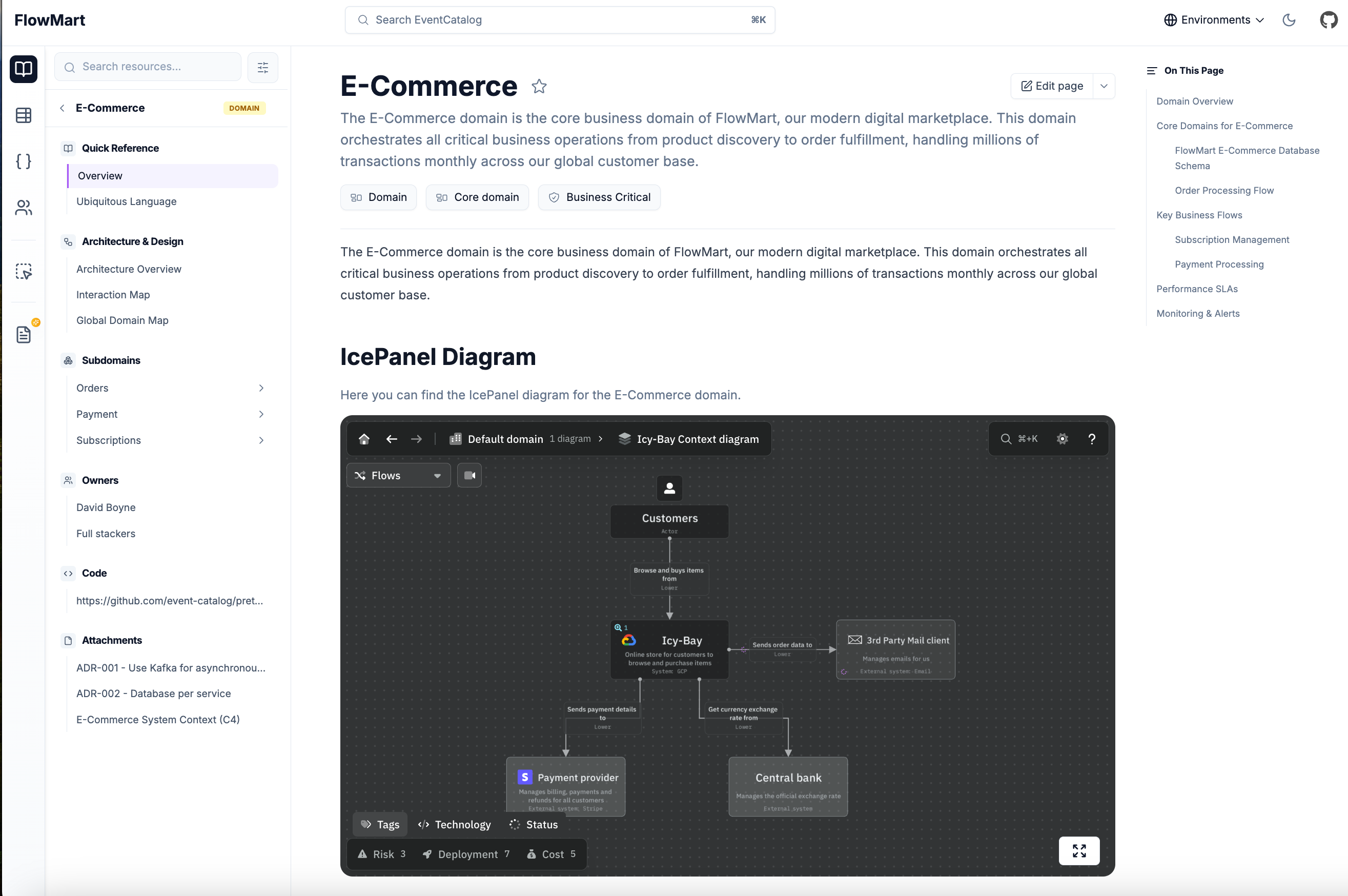 Embedding an IcePanel diagram in EventCatalog
Introducing the new <IcePanel /> component. Embed interactive C4 diagrams into any EventCatalog page, from domains and services to messages and custom documentation.
How does it work?
To embed an IcePanel diagram in your documentation, use the following code:
---
# service frontmatter
---

## Architecture Overview
<IcePanel url="https://s.icepanel.io/OpQVdslrqhZkyb/0QfB" />
You can also add a title and description:
<IcePanel
  url="https://s.icepanel.io/OpQVdslrqhZkyb/0QfB"
  title="System Context"
  description="High-level view of our ordering system and external integrations."
  height="800"
/>
Full-Screen Mode
Each embedded diagram includes a full-screen button, giving your team more space to explore complex architectures without leaving EventCatalog.
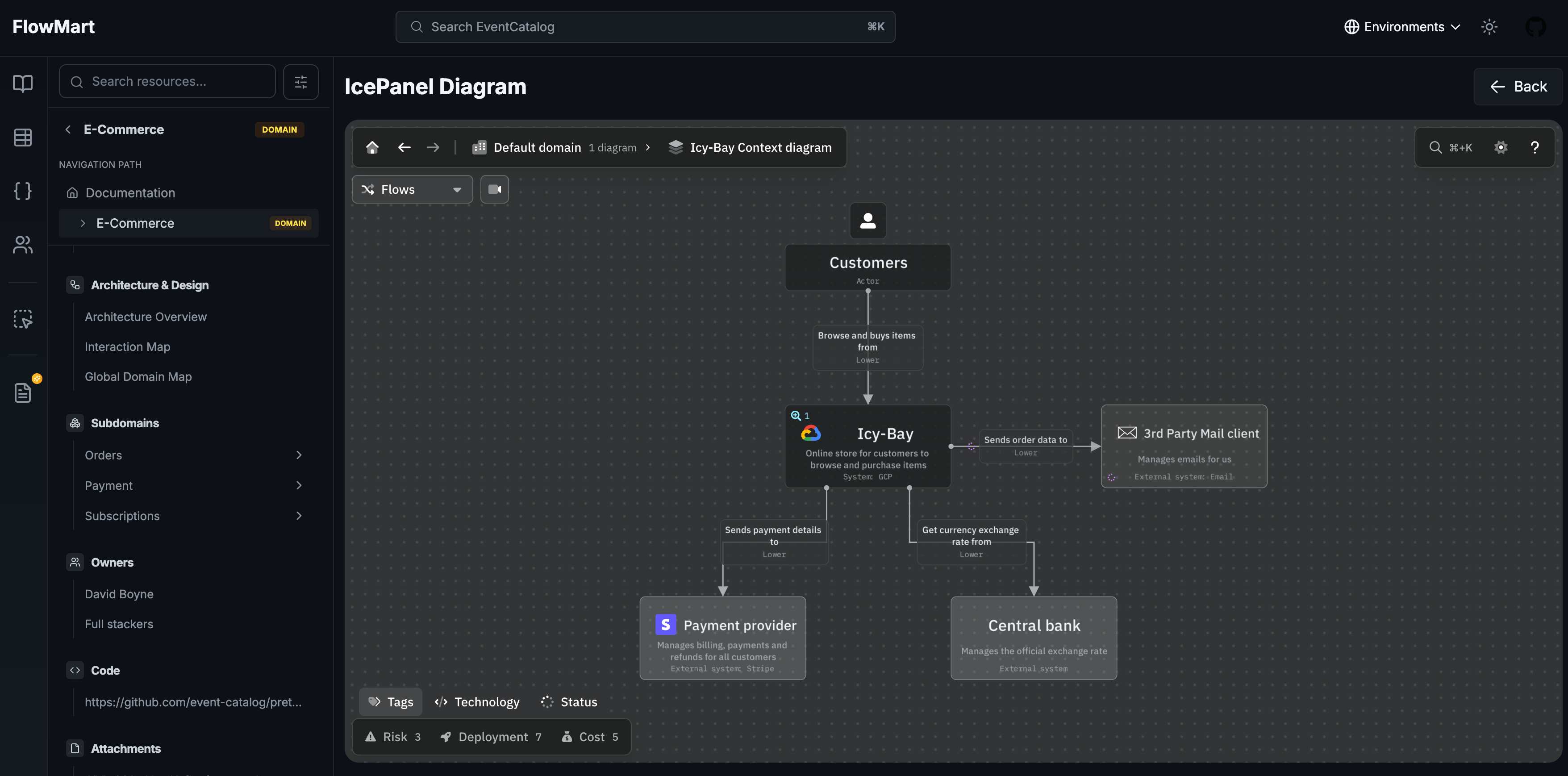 Full-screen mode
Getting started
Update your EventCatalog to the latest version:
npm install @eventcatalog/core@latest
Then start using the <IcePanel /> component in your documentation.
Summary
If your team uses IcePanel for C4 architecture diagrams, you can now bring those diagrams directly into EventCatalog. Check out the documentation to get started.
We'd love to hear your thoughts. Feel free to open an issue with any feedback.
Join our community of over 1,100 members on Discord!