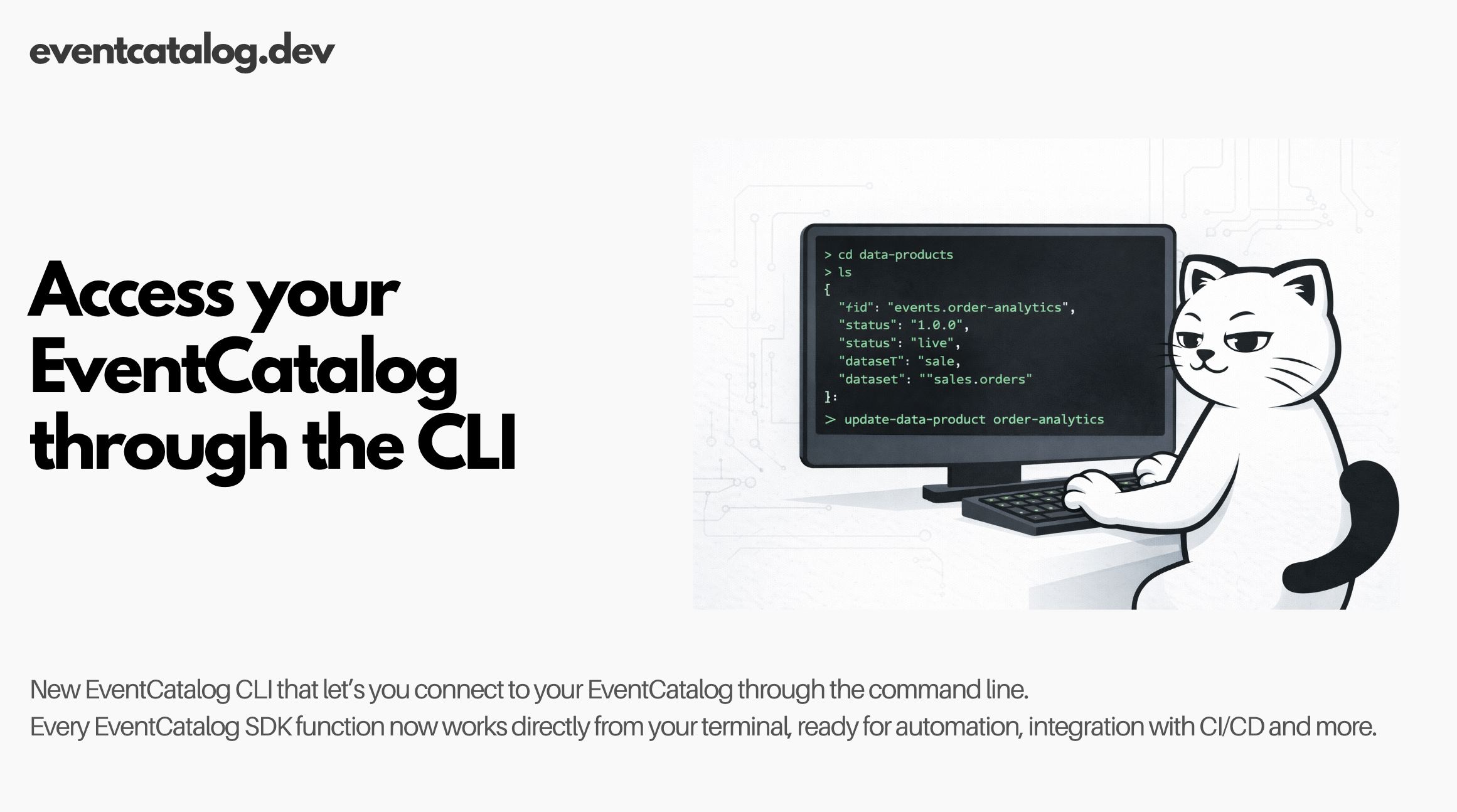
The EventCatalog SDK now includes a command-line interface, making automation and integration dead simple
I'm excited to share something that's going to change how teams automate their EventCatalog. Every SDK operation now works directly from the command line. No code needed. Just simple commands that output JSON.
The problem with code-only APIs
The EventCatalog SDK has been programmatic since day one. You write TypeScript or JavaScript to manage your catalog. This works great for plugin authors and complex integrations.
But it's overkill for simple tasks. Want to fetch an event during a build? You need to create a Node.js script, handle imports, and run it. Want to add events from a shell script? Not possible without wrapping it in code.
Teams kept asking for a simpler way. They wanted to pipe catalog data to tools like jq, call operations from shell scripts, and integrate with CI/CD without writing application code.
What's new
The @eventcatalog/sdk package now includes a CLI. Every SDK function is available as a command. Run it with npx without installing anything.
npx @eventcatalog/sdk --dir ./my-catalog getEvent "OrderCreated"
That's it. No imports. No compilation. Just the command, your catalog path, and arguments.
All output is JSON. Pipe it anywhere. Parse it with any tool. Store it in environment variables. The CLI gets out of your way.
When you'd use it
CI/CD integration. Your build pipeline needs to validate that events in your message broker match your catalog. Read the catalog during builds and compare schemas.
Automation scripts. You're migrating 50 services to a new domain. Write a bash script that loops through services and updates their domain references.
External system integration. Your monitoring tool detected a new event type in production. Trigger a webhook that creates a draft event in your catalog for review.
DevOps workflows. Manage your catalog like infrastructure-as-code. Script bulk operations. Version control the automation itself.
If you've wanted EventCatalog operations in shell scripts, makefiles, or any non-Node environment, this is for you.
How it works
The CLI exposes every SDK function. Arguments are parsed automatically. JSON objects, arrays, booleans, numbers, and strings all work as expected.
List available functions
See everything you can do:
npx @eventcatalog/sdk list
This shows all functions organized by category: Events, Commands, Queries, Services, Domains, Channels, Data Products, Teams, and more.
Basic operations
# Get an event (latest version)
npx @eventcatalog/sdk --dir ./catalog getEvent "OrderCreated"

# Get a specific version
npx @eventcatalog/sdk --dir ./catalog getEvent "OrderCreated" "1.0.0"

# Get all events (only latest versions)
npx @eventcatalog/sdk --dir ./catalog getEvents '{"latestOnly":true}'
Write operations
# Create a new event
npx @eventcatalog/sdk --dir ./catalog writeEvent '{
  "id":"OrderCreated",
  "name":"Order Created",
  "version":"1.0.0",
  "markdown":"# Order Created\n\nRaised when a new order is placed."
}'

# Add an event to a service
npx @eventcatalog/sdk --dir ./catalog addEventToService \
  "InventoryService" \
  "sends" \
  '{"id":"OrderCreated","version":"1.0.0"}'
Pipe to tools
Output is JSON. Use jq for filtering, transformation, or extraction:
# Filter events by version
npx @eventcatalog/sdk --dir ./catalog getEvents \
  | jq '.[] | select(.version == "1.0.0")'

# Count total events
npx @eventcatalog/sdk --dir ./catalog getEvents | jq 'length'

# Extract just event IDs
npx @eventcatalog/sdk --dir ./catalog getEvents | jq '.[].id'

# Get services that send a specific event
npx @eventcatalog/sdk --dir ./catalog getServices \
  | jq '.[] | select(.sends[] | select(.id == "OrderCreated"))'
Real-world example
Here's a script that validates your catalog has schemas for all events:
#!/bin/bash

CATALOG_DIR="./my-catalog"

# Get all events
events=$(npx @eventcatalog/sdk --dir "$CATALOG_DIR" getEvents)

# Check each event for a schema
missing_schemas=()
for event_id in $(echo "$events" | jq -r '.[].id'); do
  event=$(npx @eventcatalog/sdk --dir "$CATALOG_DIR" getEvent "$event_id")
  schema_count=$(echo "$event" | jq '.schemas | length')

  if [ "$schema_count" -eq 0 ]; then
    missing_schemas+=("$event_id")
  fi
done

# Report results
if [ ${#missing_schemas[@]} -eq 0 ]; then
  echo "✓ All events have schemas"
  exit 0
else
  echo "✗ Events missing schemas:"
  printf '%s\n' "${missing_schemas[@]}"
  exit 1
fi
Run this in your CI pipeline. Fail the build if events lack schemas. Enforce documentation standards automatically.
Available operations
The CLI includes every SDK function, grouped by resource type:
Messages: getEvent, getEvents, writeEvent, rmEventById, versionEvent, addSchemaToEvent, addFileToEvent. Similar functions exist for commands (getCommand, writeCommand, etc.) and queries (getQuery, writeQuery, etc.).
Services: getService, getServices, writeService, rmServiceById, versionService, addEventToService, addCommandToService, addQueryToService.
Domains: getDomain, getDomains, writeDomain, rmDomainById, versionDomain, addServiceToDomain, addEventToDomain, addCommandToDomain.
Channels: getChannel, getChannels, writeChannel, addEventToChannel, addCommandToChannel.
Data Products: getDataProduct, getDataProducts, writeDataProduct, versionDataProduct.
Teams and Users: getTeam, getTeams, writeTeam, getUser, getUsers, writeUser.
Utilities: dumpCatalog (exports entire catalog structure), getEventCatalogConfigurationFile (reads catalog config).
Run npx @eventcatalog/sdk list to see the complete list with descriptions.
Getting started
No installation required. Just npx:
npx @eventcatalog/sdk --dir ./your-catalog-path <function> [args...]
If you've already installed the SDK (npm i @eventcatalog/sdk), the eventcatalog command is available directly:
eventcatalog --dir ./your-catalog-path <function> [args...]
Arguments are parsed automatically:
- JSON objects:
'{"key":"value"}' - JSON arrays:
'["item1","item2"]' - Booleans:
trueorfalse - Numbers:
42or3.14 - Strings: anything else
Start with npx @eventcatalog/sdk list to see what's possible. Then try a simple read operation like getEvent or getService. The output is JSON. Pipe it, parse it, or store it.
Summary
The EventCatalog CLI makes automation simple. Every SDK function works from the command line. Output is JSON. No code required.
This opens up CI/CD integration, shell scripting, and external system connections that were harder before. If you've wanted to automate your catalog without writing Node.js code, this is for you.
Read the full CLI documentation for detailed examples and API references.
Questions? Join us on Discord. Issues or ideas? Open them on GitHub.