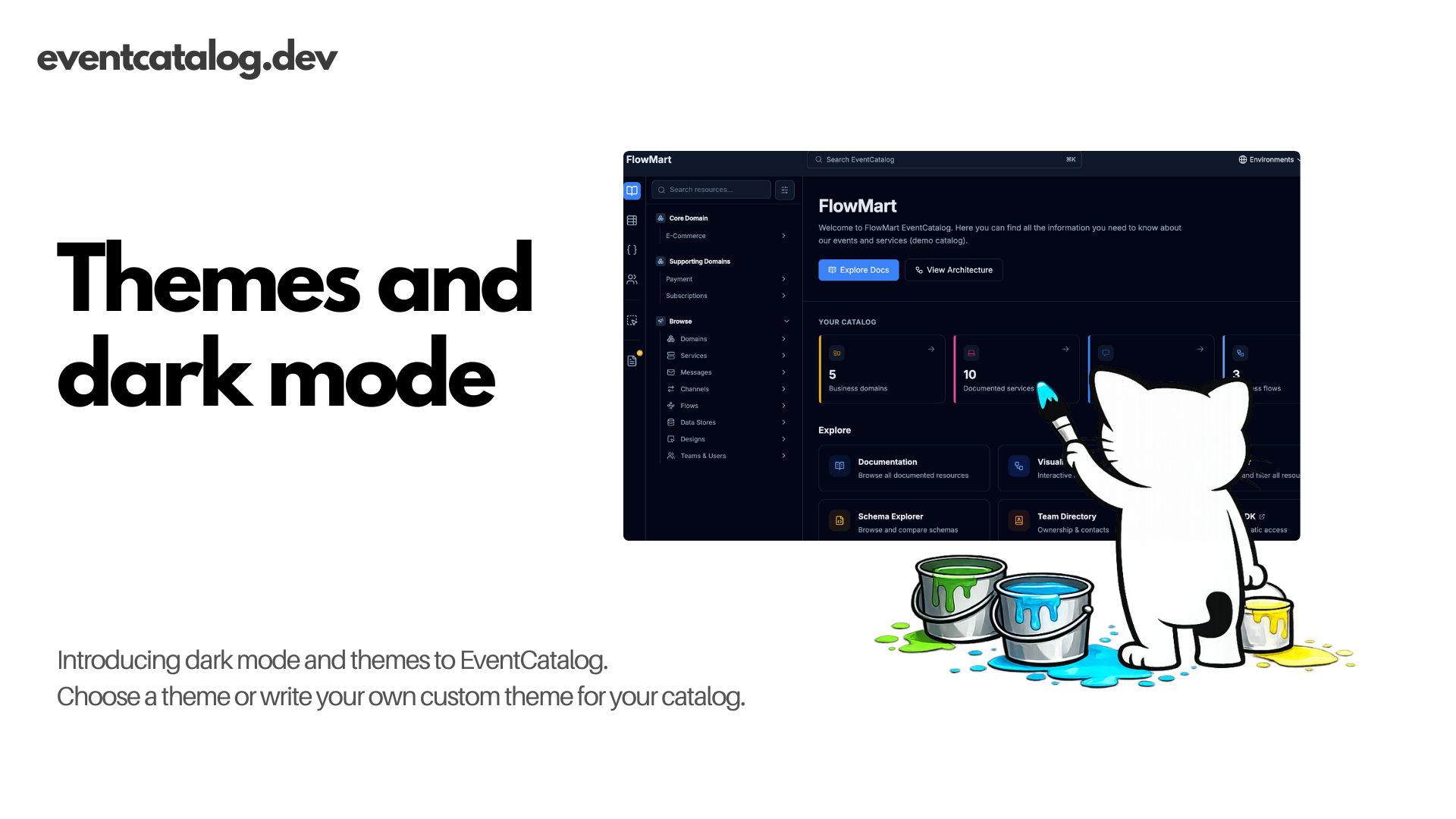
Customize your catalog with built-in themes, dark mode support, and create your own custom themes
I'm excited to announce that EventCatalog now supports Themes and Dark Mode, giving you full control over the look and feel of your catalog.
Whether you prefer working in a dark environment, want to match your company's brand colors, or simply want a fresh new look, EventCatalog has you covered.
Dark Mode
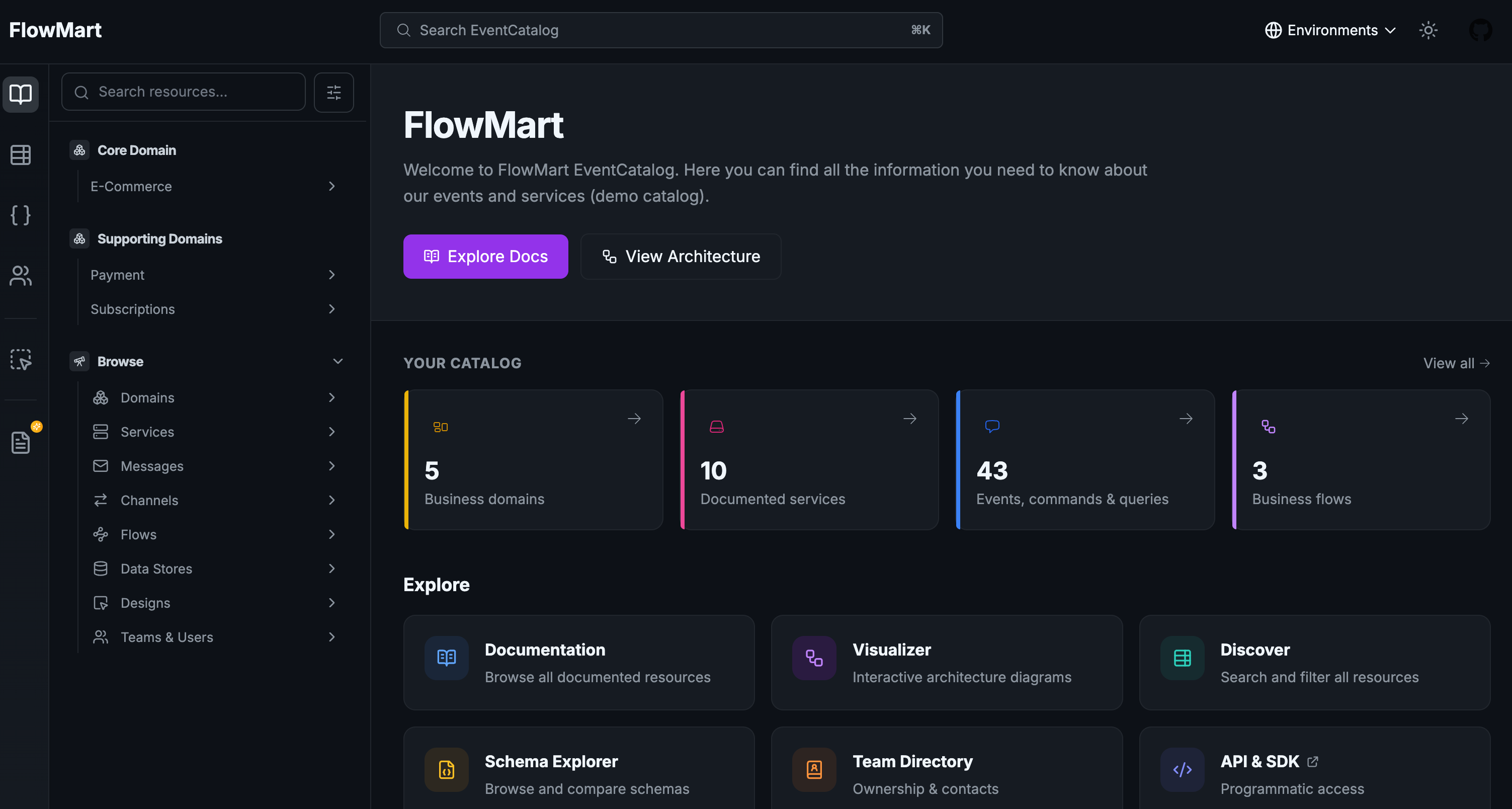
Dark mode has been a requested feature, and it's finally here. EventCatalog now automatically detects your system preference and displays the appropriate theme.
How it works
- System preference by default: New visitors see light or dark mode based on their operating system preference
- Theme toggle: Users can switch between light and dark mode using the toggle in the header
- Remembers your choice: Once you manually select a theme, your preference is saved for future visits
- Syncs across tabs: Theme changes automatically sync across browser tabs
Built-in Themes
EventCatalog comes with five carefully crafted themes out of the box:
| Theme | Description |
|---|---|
default | Purple accent, the original EventCatalog look |
ocean | Teal accent, calm and professional |
sapphire | Blue accent, premium enterprise feel |
sunset | Orange accent, warm and energetic |
forest | Dark green accent, natural and grounded |
To set a theme, simply add it to your eventcatalog.config.js:
export default {
  // ... other config
  theme: 'sapphire',
};
Custom Themes
For teams that need complete brand alignment, EventCatalog supports fully custom themes. Define your own colors using CSS variables in eventcatalog.styles.css.
/* Light Mode */
:root[data-catalog-theme="my-brand"],
:root[data-catalog-theme="my-brand"][data-theme="light"] {
  --ec-accent: 220 38 38;
  --ec-accent-hover: 185 28 28;
  --ec-button-bg: 185 28 28;
  --ec-sidebar-active-bg: 185 28 28;
}

/* Dark Mode */
:root[data-catalog-theme="my-brand"][data-theme="dark"] {
  --ec-accent: 248 113 113;
  --ec-accent-hover: 239 68 68;
  --ec-button-bg: 220 38 38;
}
Then reference your custom theme in the config:
export default {
  theme: 'my-brand',
};
Custom themes give you control over every aspect of the UI, from headers and sidebars to buttons and form inputs.
Custom themes are available on Starter, Scale and Enterprise plans. Learn more about our plans.
Get Started
Upgrade to the latest version of EventCatalog to start using themes and dark mode:
npm install @eventcatalog/core@latest
Check out the themes documentation for the full list of CSS variables and examples.
Join the Community
Have questions or want to share your custom theme? Join our Discord community. We'd love to see what you create!