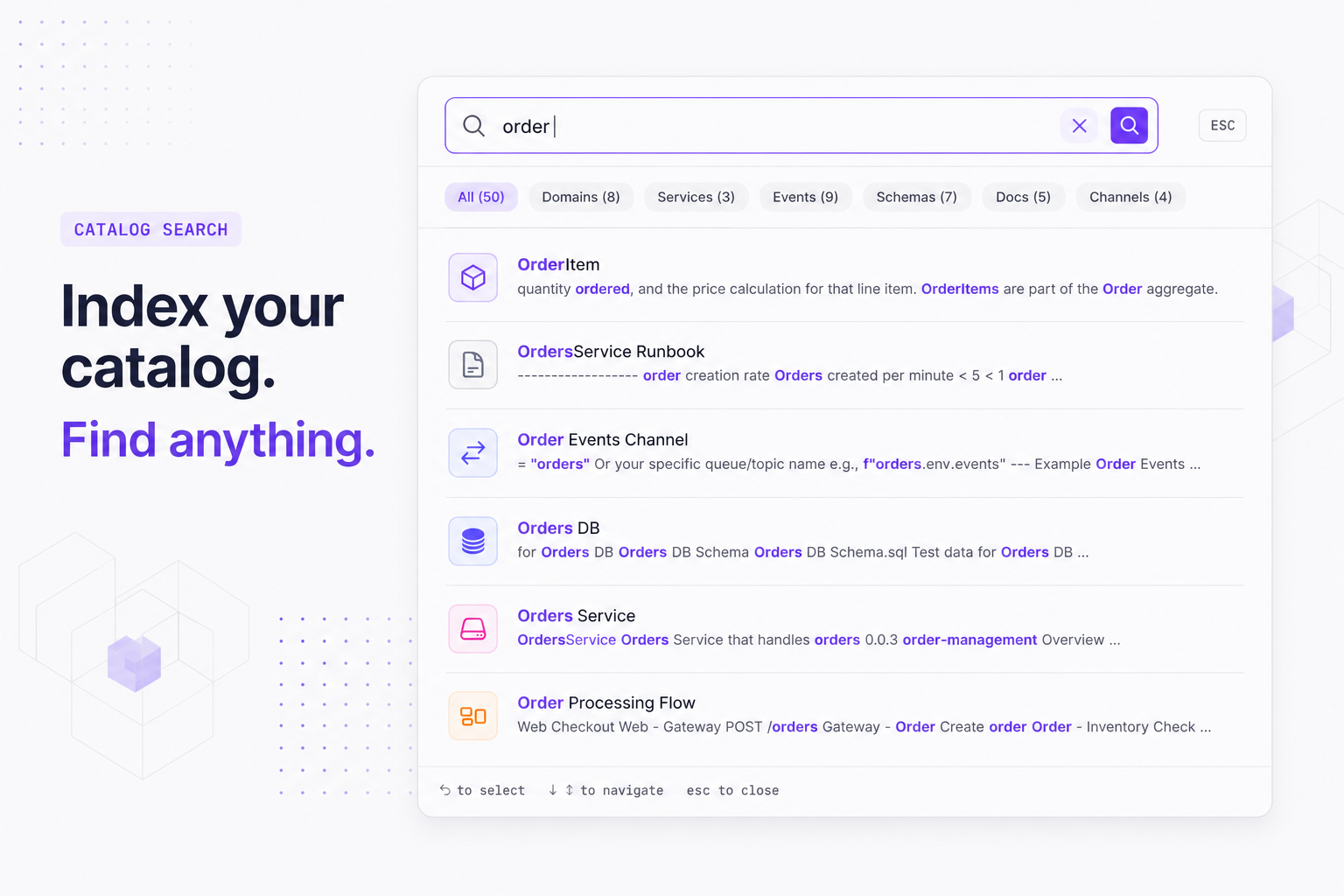
EventCatalog v3.36.0 adds indexed full-content search powered by Pagefind. One config line is all you need to search message bodies, changelogs, and custom docs alongside every resource in your catalog.
EventCatalog v3.36.0 ships a second search mode: indexed full-content search. Where the default search scans names, summaries, and badges, indexed search reads the body of every page in your catalog. If a term appears anywhere in your documentation, it shows up.
The gap in metadata-only search
The default "resource search" is fast and works everywhere with zero configuration. It is great for finding a service or event when you know what you are looking for. But it only sees frontmatter-level data: names, identifiers, types, summaries, and badges.
If the detail you need is buried in a message payload description, a changelog entry, a custom architecture doc, or a resource doc your team wrote, the default search will not find it. For growing catalogs, that gap becomes a real friction point.
What indexed search adds
Indexed search reads the full content of every page. It is powered by Pagefind and covers all resource types (events, commands, queries, services, domains, subdomains, channels, containers, data products, entities, flows), plus custom docs, resource docs, and changelogs.
Results are ranked so title and identifier matches score highest, then summaries and type fields, then body content. You get relevance ordering without any tuning.
Enabling it
Add one line to your eventcatalog.config.js:
// eventcatalog.config.js
export default {
  // ... rest of your config
  search: {
    type: 'indexed',
  },
};
That is the entire change. The index builds automatically during eventcatalog build and during eventcatalog dev (with debounced rebuilds whenever a .md or .mdx file changes). No separate build step, no extra tooling to install.
The default resource search is unchanged for everyone who does not set this option. Existing catalogs need no migration.
One thing to know for auth-protected catalogs
Pagefind stores full page content in a /pagefind directory at build time. If your catalog sits behind authentication, protect the /pagefind directory with the same auth layer. Without that, the index is publicly readable even if the pages themselves are not.
Getting started
Update to v3.36.0, add the config option, and run a build or start the dev server:
npm install @eventcatalog/core@latest
npx eventcatalog dev
The index is generated as part of the normal startup. Open the search modal with ⌘K (or Ctrl+K) and try searching for something that only appears in a doc body.
Full details are in the search documentation. Questions and feedback are welcome on Discord or GitHub.