Create a system
eventcatalog@4.0A system is a collection of resources that work together to perform a function.
Use a system when you want to document a group of resources that work together to perform one function.
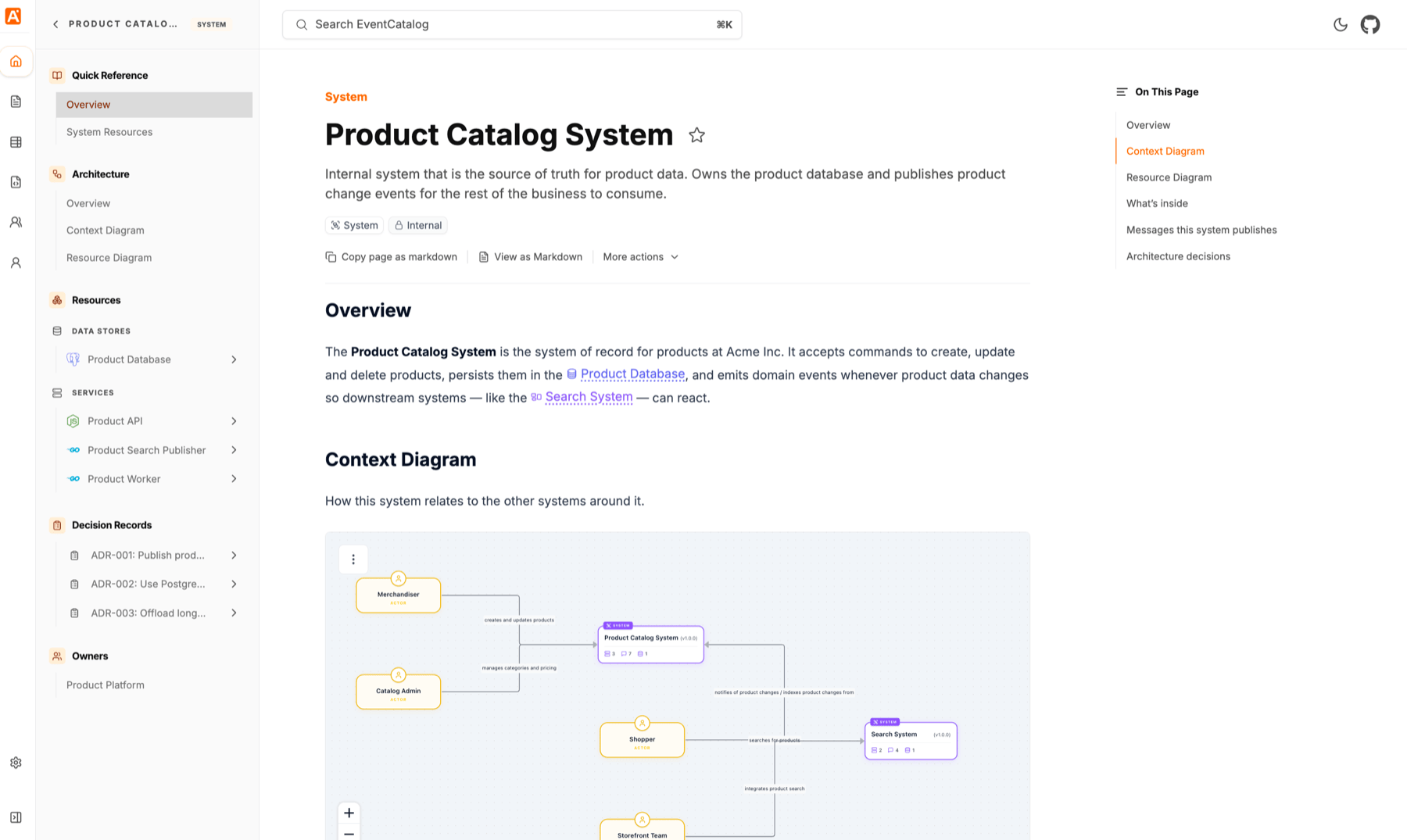
Creating a system
Automatic Creation
Copy this prompt and paste it into your coding agent. Your agent can help you choose where the system should live, create the right folder structure, and add the first version of the system documentation.
Manual Creation
Systems can live inside a domain or at the root of your catalog.
If the system clearly belongs to one domain, keep it inside that domain and attach the domain to that system.
If the system is shared, external, or you want to attach it to domains later, create it at the root:
Most teams start by keeping systems inside the domain they belong to.
Create the system file
Create an index.mdx file for the system.
---
id: cart-system
# freindly name of the system
name: Cart System
version: 1.0.0
# summary of the system
summary: |
  Internal system that owns the customer's shopping cart and checkout flow.
# is the system internal to your organization or external
scope: internal
# who owns this system in your organization?
owners:
  - shopping-platform
---

## Overview

The Cart System owns the shopping cart. It accepts commands to add and remove items, persists cart contents in the cart database, asks the Promotion System to calculate discounts, and publishes an event when a cart is checked out.