Add ADRs to resources
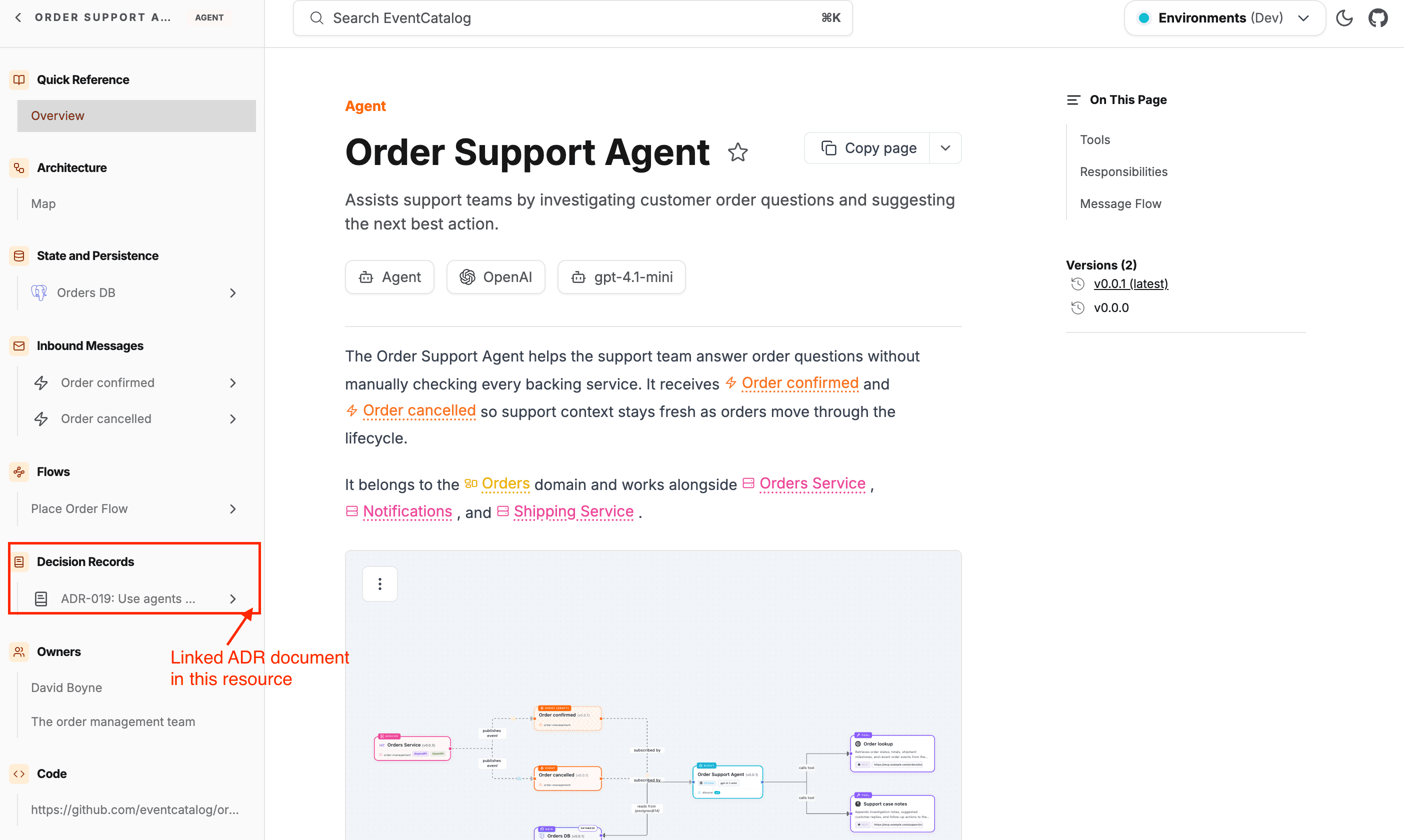
Use appliesTo to connect an ADR to the catalog resources it affects. When resources are linked, the ADR appears in the Decision Records section of each resource's sidebar.
Use appliesTo
Add an appliesTo array to the frontmatter, specifying the type and id of each affected resource.
adrs/choose-kafka/index.mdx
appliesTo:
  #  ADR will apply to the Orders Domain
  - type: domain
    id: Orders
  # ADR will apply to the PaymentService
  - type: service
    id: PaymentService
  # ADR will apply to the PaymentAccepted event
  - type: event
    id: PaymentAccepted
Pin to a specific version
By default, EventCatalog resolves the link to the latest version of the resource. Add a version field to pin to a specific version.
appliesTo:
  - type: service
    id: PaymentService
    version: 1.0.0
  - type: event
    id: OrderConfirmed
    version: latest   # explicit, same as omitting version
How it appears in the UI
When a resource has one or more ADRs linked via appliesTo, a Decision Records group appears in that resource's sidebar. Each linked ADR shows its name and links directly to the decision page.
This means engineers reading a service or event page can immediately see which architectural choices affect it, without leaving the page.