<Flow />
Renders a Flow diagram.
Support
The <Flow/> component is supported in domains, services, and all messages, changelogs, and custom documentation pages.
Usage
Add Flow component into your markdown of your page.
Example
---
# domain frontmatter
---

## Overview

The Orders domain handles all operations related to customer orders, from creation to fulfillment. This documentation provides an overview of the events and services involved in the Orders domain, helping developers and stakeholders understand the event-driven architecture.

## Flows

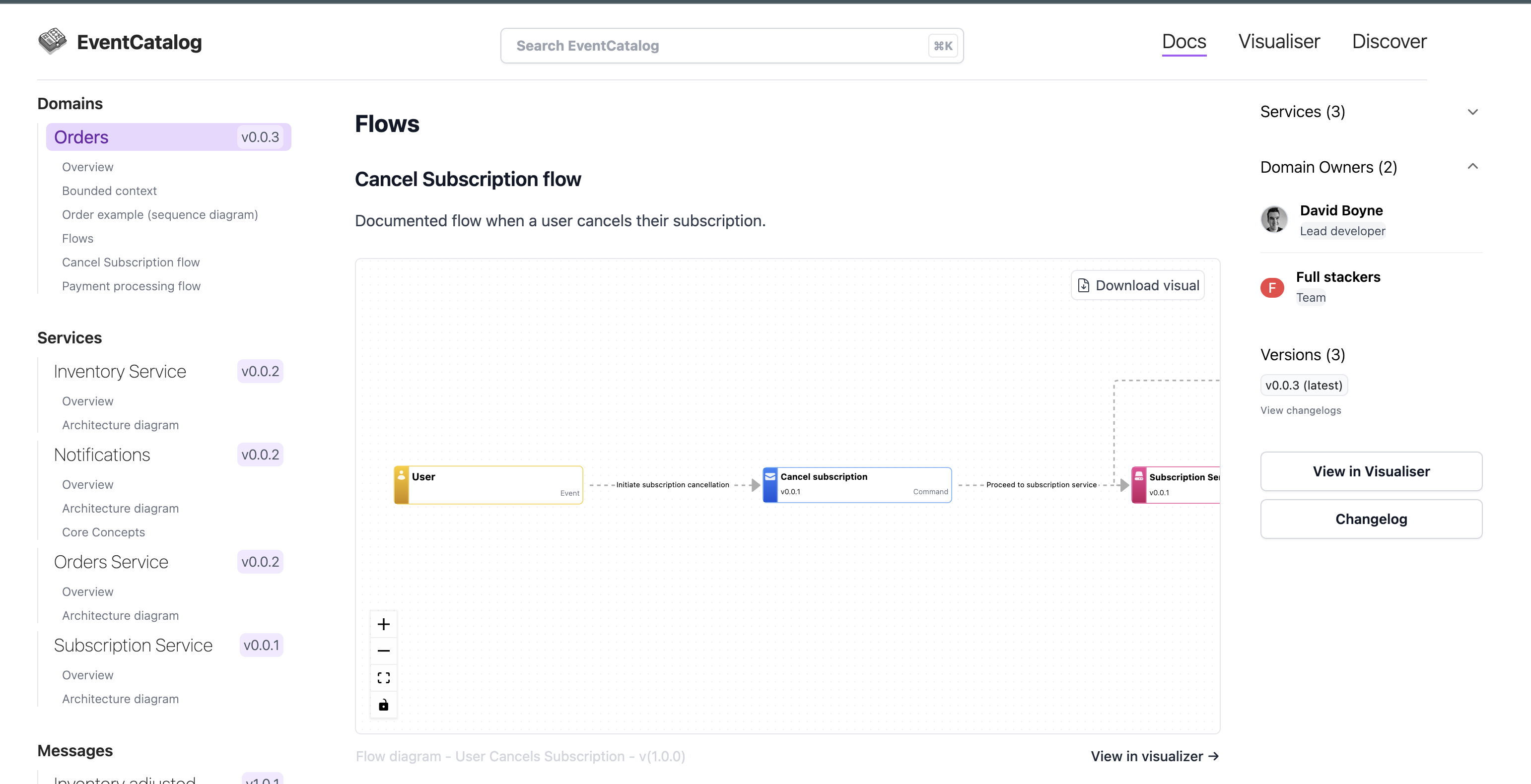
### Cancel Subscription flow
Documented flow when a user cancels their subscription.

<!-- semver support version property -->
<Flow id="CancelSubscription" version="latest" includeKey={false} />
Output example in EventCatalog
Props
| Name | Type | Default | Description |
|---|---|---|---|
id (required) | string | (empty) | Flow id to render in your page |
version (optional) | string | "latest" | Version of the flow to render. Supports exact version and semver versions (e.g 1.0.x, ^1.3.5, latest) |
includeKey (optional) | boolean | true | Renders the diagram key on the UI |