Installing the Miro App
Install the app
- Open the EventCatalog Miro App install link
- Select the team and board where you want to install the app
- Click Tools, Media and Integrations
- Search for EventCatalog and click on the app.
Opening the app
Click the EventCatalog icon in the toolbar to open the app panel. The panel opens on the right side of your board.
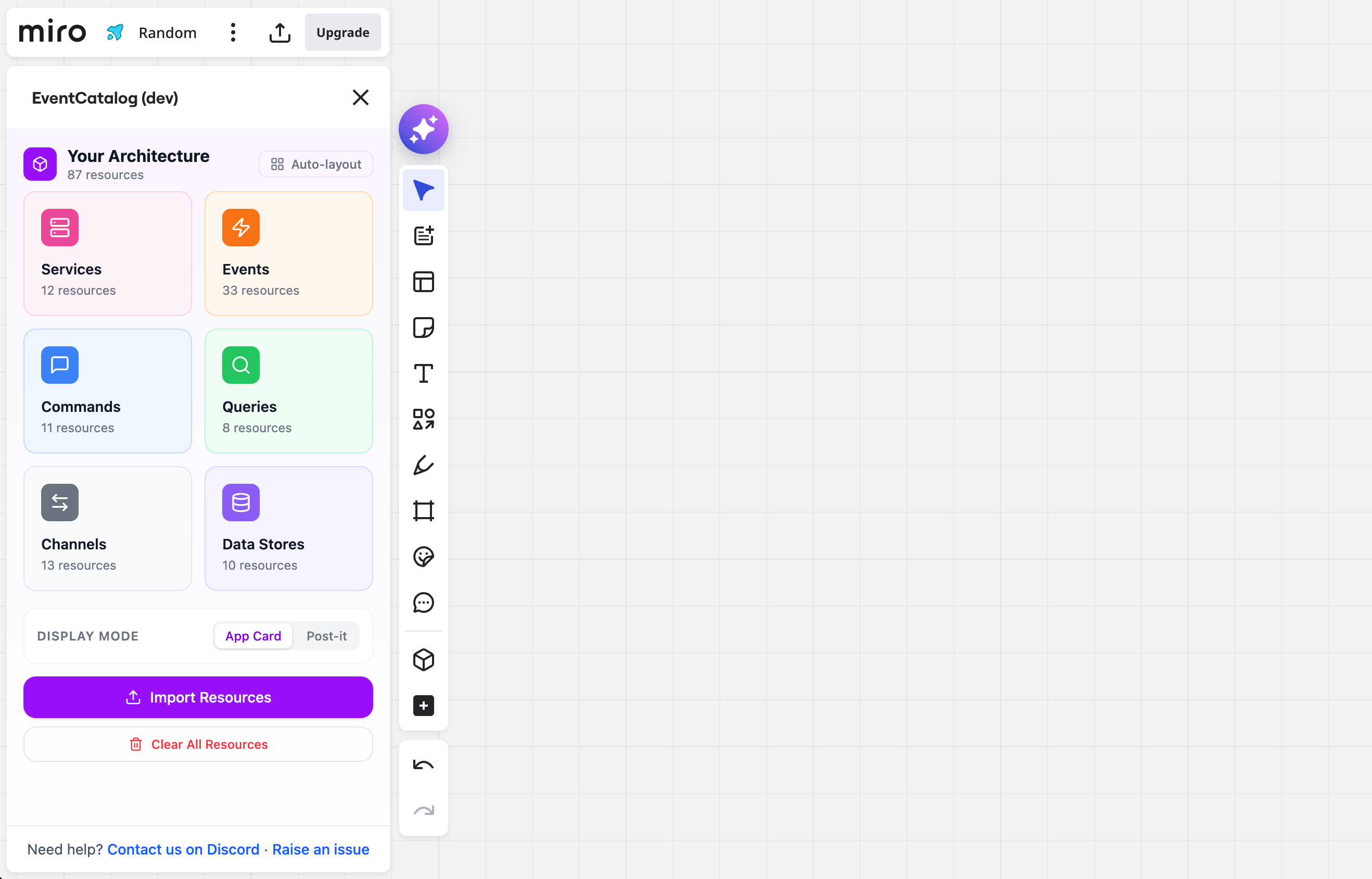 The EventCatalog icon in the Miro toolbar
Auto-open on selection
When you select a node on the board, the app panel will automatically open and show that resource's details — even if the panel was closed.
Requirements
- A Miro account (free or paid)
- An EventCatalog project with resources to import
No authentication or API keys are required. The app runs entirely in your browser and stores data locally.