Architecture guides and EventCatalog news
Practical guides to documenting distributed systems and the latest EventCatalog features.
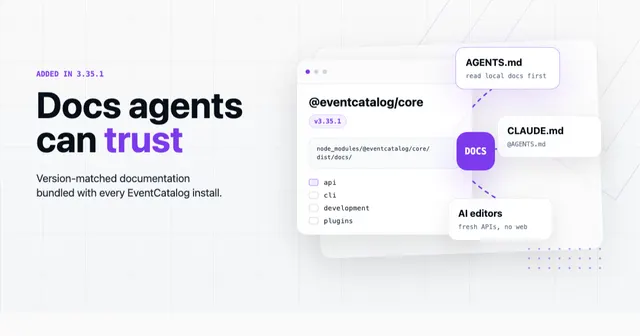
Giving your AI agents docs they can actually trust
EventCatalog 3.35.1 bundles the full documentation inside the npm package itself, giving AI coding agents a version-matched source of truth they can read before touching your catalog.
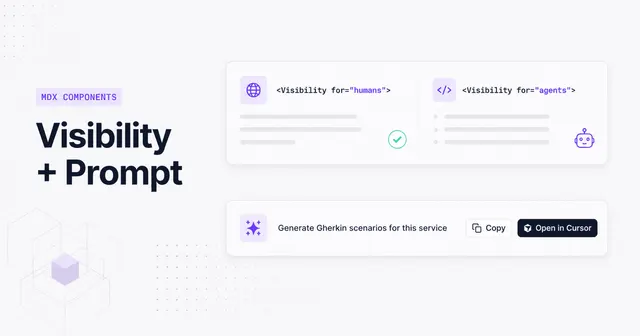
Write docs once, serve both humans and AI agents
EventCatalog 3.33.0 ships two new MDX components, Prompt and Visibility, that turn your catalog into a dual-audience documentation layer without forking content.
Your catalog nodes now show what they actually are
EventCatalog 3.28.1 lets you set a custom icon on any resource. One field in frontmatter and your visualiser goes from generic coloured boxes to a diagram that tells the real story of your stack.
Model external systems in EventCatalog
A new externalSystem flag lets you mark services like Stripe, Twilio, or Snowflake as third-party dependencies. They get their own colour, their own sidebar section, and their own tab in discover.
Whats new in EventCatalog - March 2026
EventCatalog updates for March 2026
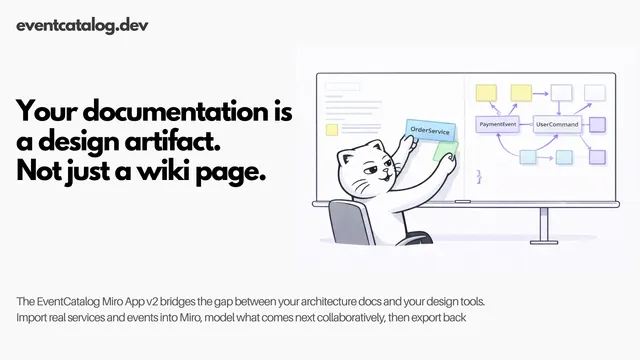
Your documentation is a design artifact, not just a wiki page
The EventCatalog Miro App v2 turns your architecture documentation into interactive, collaborative design artifacts — and sends them back when you're done.
Document who consumes your APIs, not just who owns them
The EventCatalog OpenAPI generator now lets you define consumer services with optional route-based filtering, so you can document the full producer-consumer picture directly from your OpenAPI specs.
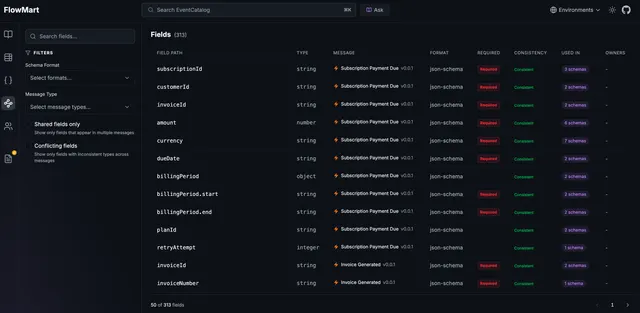
Trace every field across your schemas and architecture
EventCatalog now indexes every field from every message schema and lets you search, filter, and trace fields across your entire architecture. Scale plan users get Field Intelligence with type conflict detection and interactive traceability graphs.
Describe the workflow, let the agent build the flow
The new flow-wizard skill lets you describe a business workflow in plain language while your AI agent builds the flow and wires it to your existing catalog resources.
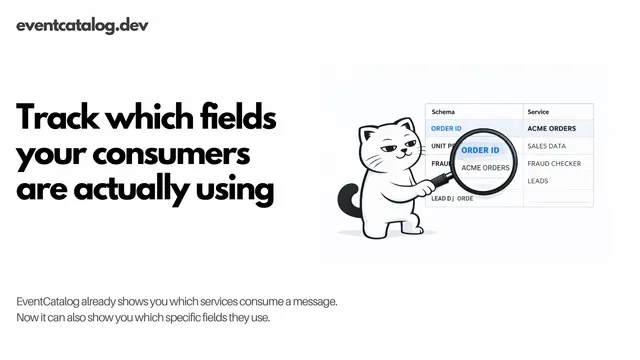
Which fields are your consumers actually using?
EventCatalog already shows you which services consume a message. Now it can also show you which specific fields they use.
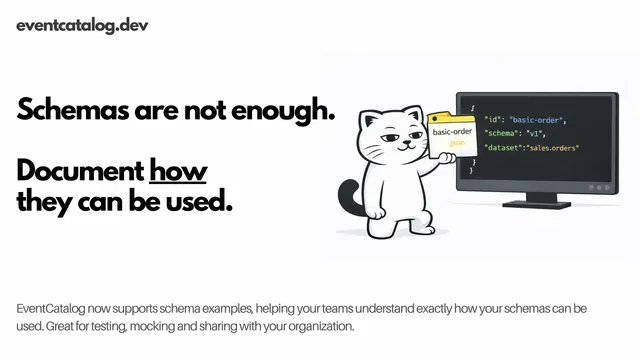
Document examples with your schemas
Message Usage Examples lets you ship real payload samples alongside your events, commands, and queries so your team never has to guess what an OrderCreated event actually looks like in production.