Publish the event from a service
In this step, you will connect OrderService to the OrderPlaced event.
In EventCatalog, a service publishes an event by listing it under sends.
In this chapter...
Here are the topics we'll cover
- Open the OrderService page.
- Add OrderPlaced to the sends list.
- Refresh EventCatalog and inspect the relationship.
Update the service
Open services/OrderService/index.mdx and add sends to the frontmatter:
---
id: OrderService
name: Order Service
version: 0.0.1
summary: |
  Handles customer orders from checkout through to fulfilment.
sends:
  - id: OrderPlaced
    version: 0.0.1
---
Keep the markdown content below the frontmatter as it is.
The version field inside sends is optional. If you leave it out, EventCatalog will use the latest version of the event.
Check the relationship
Refresh EventCatalog in your browser and open the Order Service page.
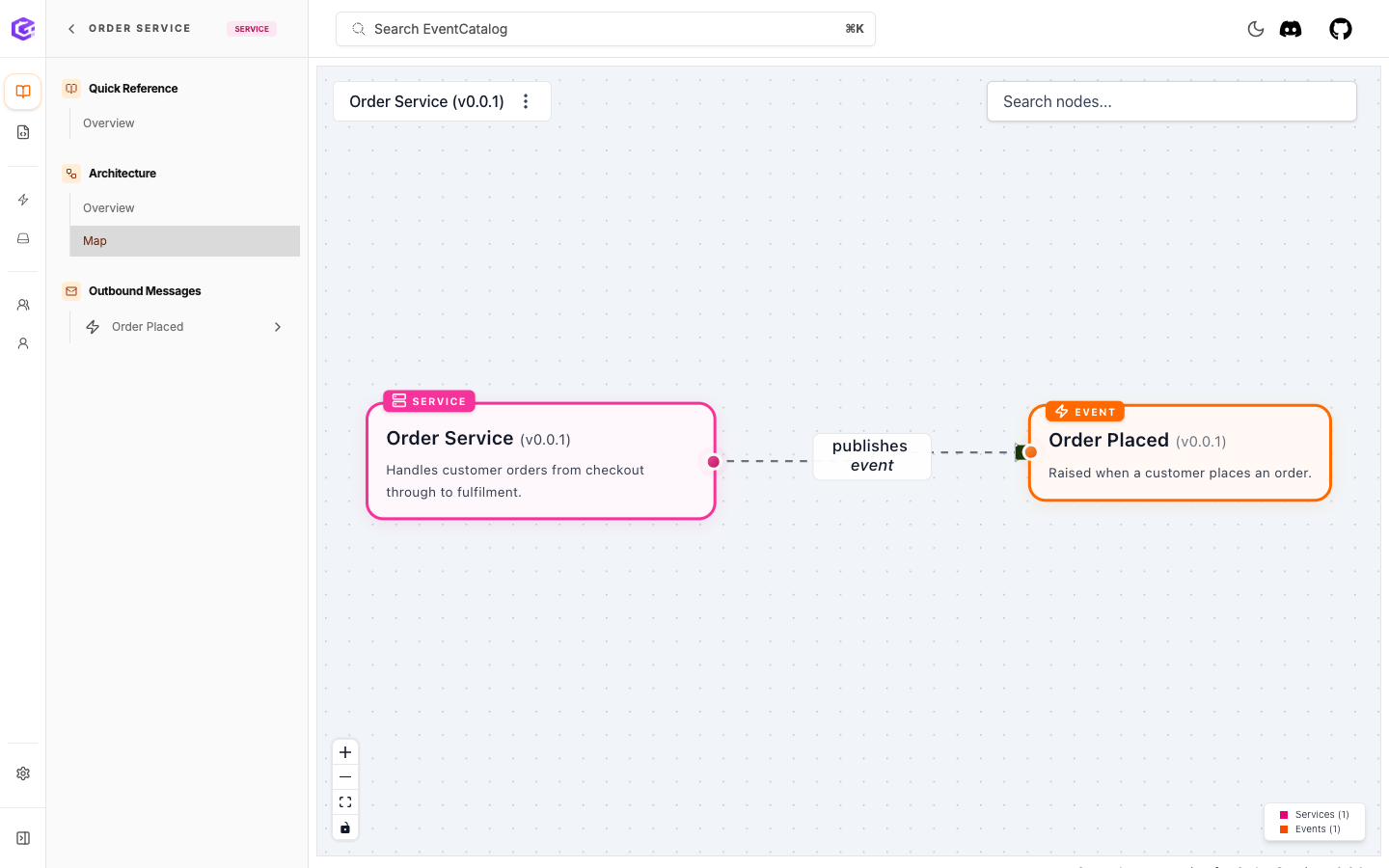
You should now be able to see that OrderService publishes OrderPlaced. Open the event page as well. EventCatalog can now show the event and its producer as connected resources.
You can also open the Map view from the Order Service page to see the relationship visually.
We are only setting up the producer in this step. Next, you will add another service and connect it as a consumer with receives.
What you have now
Your catalog now knows:
OrderPlacedis an event.OrderPlacedhas a schema.OrderServicepublishesOrderPlaced.
Next
Continue to Consume the event from a service.