Setting up GitHub
eventcatalog@2.43.0This guide takes your through setting up a protected sign-in screen for your docs. Before going through this guide, make sure you’ve first gone through Enabling authentication.
To setup your EventCatalog site with visitor authentication using GitHub, the process looks as follows:
- Create a new GitHub OAuth app
- Configure the OAuth app in EventCatalog
- Test the authentication
Create a new GitHub OAuth app
First, you will need to create a new GitHub OAuth app.
- Go to GitHub Developer Settings
- Click on "New OAuth App"
- Fill in the details for your app
- Application name:
EventCatalog - Homepage URL:
{YOUR_EVENTCATALOG_SITE_URL}- Local development:
http://localhost:3000
- Local development:
- Authorization callback URL:
{YOUR_EVENTCATALOG_SITE_URL}/api/auth/callback/github- Local development:
http://localhost:3000/api/auth/callback/github
- Local development:
- Application name:
- Click on "Register application"
- Copy the Client ID and Client Secret
Configure the OAuth app in EventCatalog
Add your GitHub Client ID and Client Secret to your .env file.
AUTH_GITHUB_CLIENT_ID={YOUR_GITHUB_CLIENT_ID}
AUTH_GITHUB_CLIENT_SECRET={YOUR_GITHUB_CLIENT_SECRET}
In your eventcatalog.auth.js file, add the following:
export default {
  providers: {
    github: {
      clientId: process.env.AUTH_GITHUB_CLIENT_ID,
      clientSecret: process.env.AUTH_GITHUB_CLIENT_SECRET,
    },
  },
};
Test the authentication
Restart your EventCatalog server and test the authentication.
npm run dev
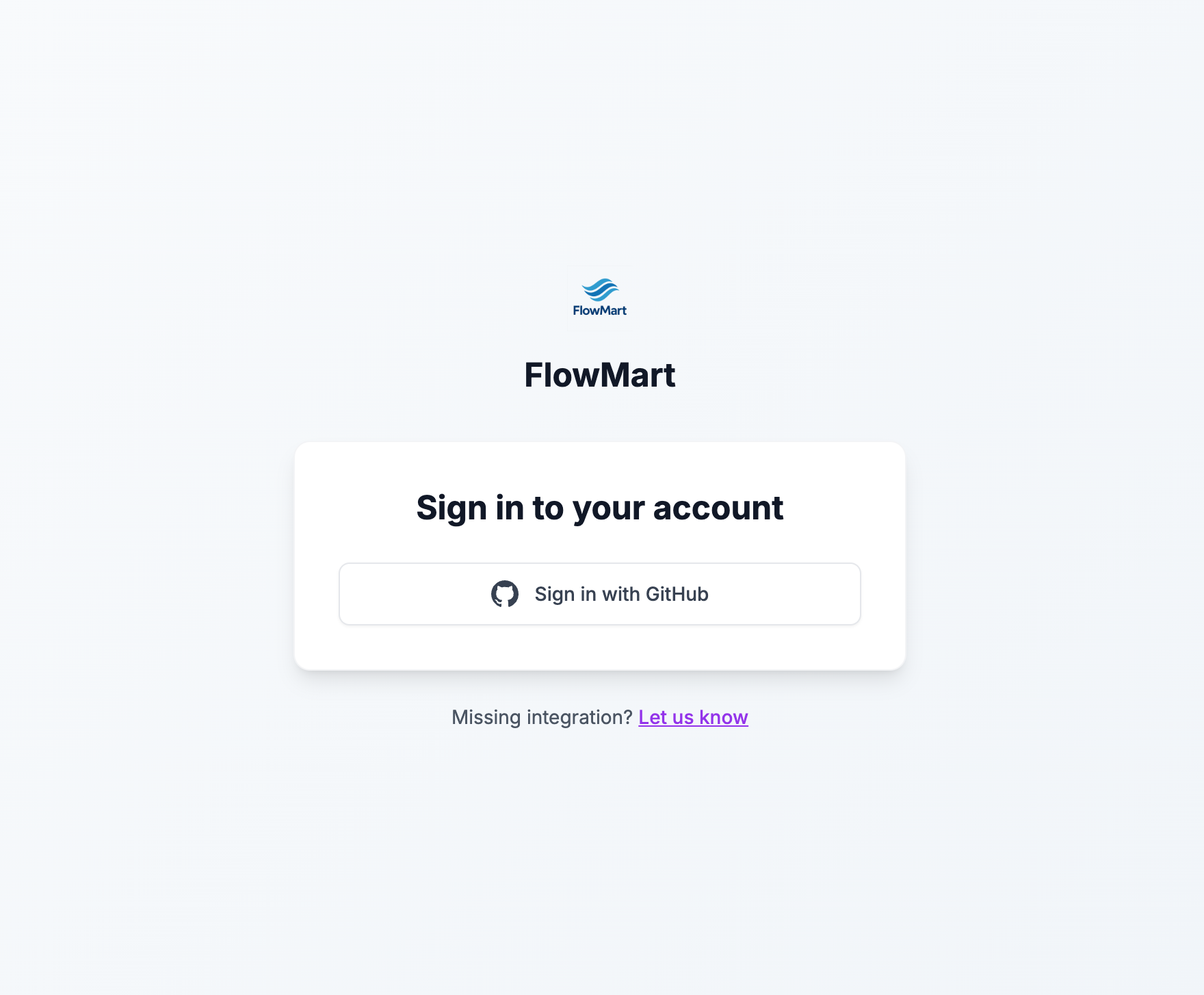
All pages should now be protected and require a GitHub account to access.
Running behind a reverse proxy (redirectProxyUrl)
When running behind a reverse proxy or load balancer (Kubernetes/AKS, Nginx, Cloudflare, AWS ALB/ECS, etc.), GitHub sign-in can break with:
The redirect_uri is not associated with this application.
This happens when the OAuth redirect_uri ends up as http:// (or an internal host) instead of your real https:// URL, because the proxy terminates TLS and forwards the request internally. You may also see InvalidCheck: pkceCodeVerifier value could not be parsed in your logs from the same wrong base URL.
AUTH_TRUST_HOST=true fixes this for most setups. If your proxy doesn't reliably forward the x-forwarded-host / x-forwarded-proto headers, set redirectProxyUrl to your canonical public URL to force the correct callback:
export default {
  providers: {
    github: {
      clientId: process.env.AUTH_GITHUB_CLIENT_ID,
      clientSecret: process.env.AUTH_GITHUB_CLIENT_SECRET,
      // Canonical public URL of your site, including /api/auth
      redirectProxyUrl: 'https://catalog.example.com/api/auth',
    },
  },
};
The host must match the Authorization callback URL on your GitHub OAuth app (https://catalog.example.com/api/auth/callback/github). Not needed on Vercel, Cloudflare Pages, or local dev. See the Auth.js reference for more.
Issuer validation
eventcatalog@4.10.3GitHub OAuth callbacks include an iss parameter, and EventCatalog now sets the correct issuer on the GitHub provider automatically, using https://github.com/login/oauth for github.com or {enterprise.baseUrl}/login/oauth when you configure providers.github.enterprise.baseUrl for GitHub Enterprise Server. You can still override it by setting issuer explicitly in your provider config.
export default {
  providers: {
    github: {
      clientId: process.env.AUTH_GITHUB_CLIENT_ID,
      clientSecret: process.env.AUTH_GITHUB_CLIENT_SECRET,
      issuer: 'https://github.com/login/oauth',
    },
  },
};
Fix "unexpected iss" errors on older versions
If you're running an EventCatalog version before 4.10.3, sign-in can fail with users redirected to /auth/error?error=Configuration and logs showing:
[auth][cause] OperationProcessingError: unexpected "iss" (issuer) response parameter value
[auth][details] { "expected": "https://authjs.dev", "provider": "github" }
This happens because GitHub now sends an iss parameter on OAuth callbacks, but the GitHub provider had no issuer configured, so validation fell back to a placeholder value. Upgrading to 4.10.3 or later fixes this by default. If you can't upgrade yet, set issuer explicitly on the GitHub provider as shown above.
Found an issue?
Remember to setup the prerequisites for this guide:
If you still have problems, please let us know.