Summary
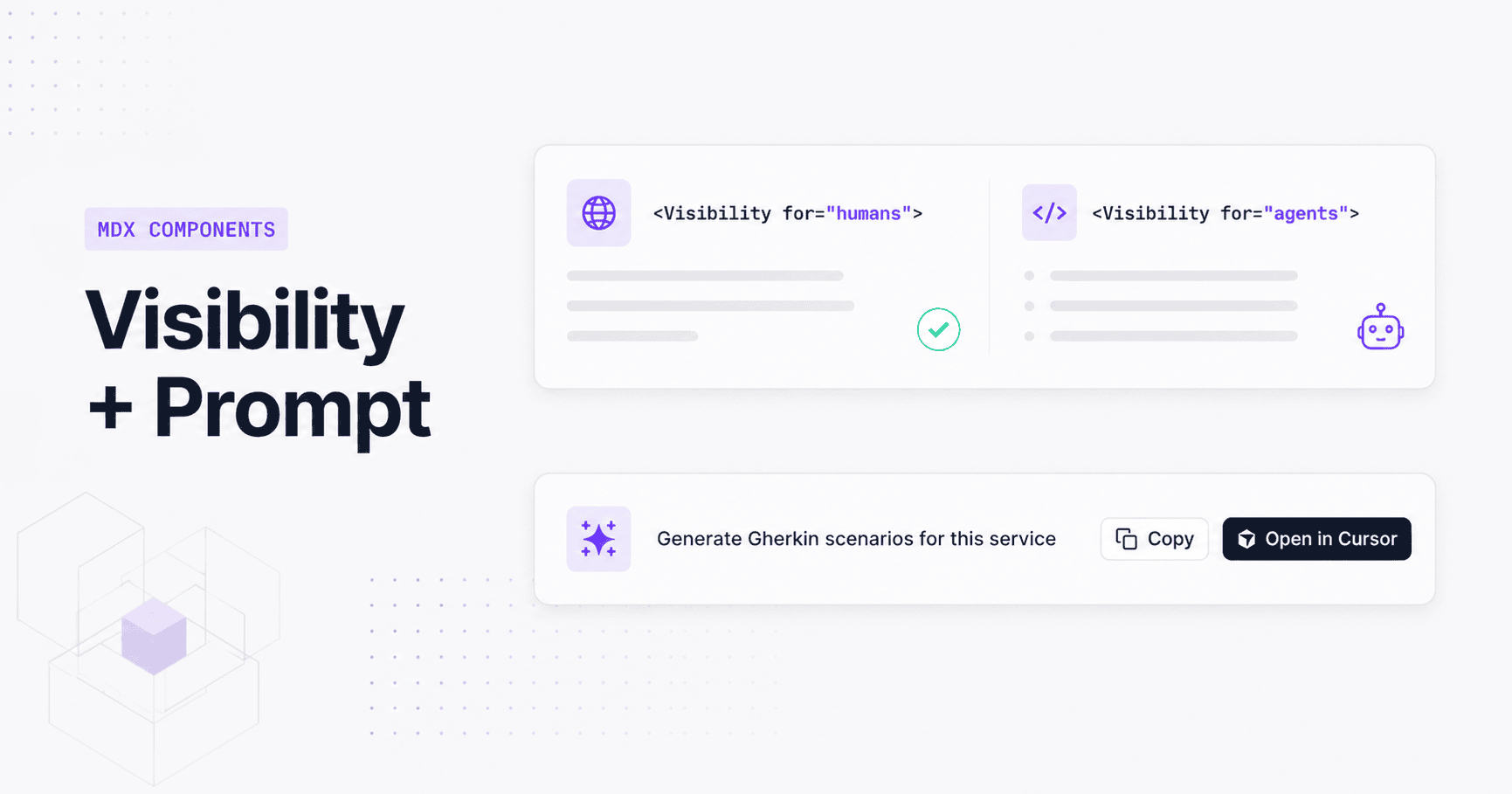
EventCatalog 3.33.0 ships two new MDX components, Prompt and Visibility, that turn your catalog into a dual-audience documentation layer without forking content.
EventCatalog 3.33.0 ships two new MDX components: [`
Add `"cursor"` to `actions` and an optional Lucide `icon` when your team lives in Cursor:

```jsx title="/services/OrdersService/index.mdx"
 The rendered Prompt component, with both copy and Open in Cursor actions enabled
The icon prop accepts any Lucide icon name in kebab-case, snake_case, or space-separated form. HTML tags inside the slot are stripped automatically before the text reaches the clipboard or the Cursor deep-link, so the prompt text is always clean plain text.
`
In the browser UI, only `for="humans"` blocks render. The `for="agents"` block is completely invisible to human readers. When an AI agent or LLM fetches the raw markdown (via the `.md` / `.mdx` endpoints, the `/docs/llm/llms-full.txt` feed, custom docs, team pages, user pages, language pages, or diagram pages), the situation reverses: `for="humans"` blocks are stripped and only the agent content remains.

**The same file, zero duplication, two audiences.**

Use `for="humans"` for UI-oriented guidance: tab references, links to interactive tools, visual walkthroughs. Use `for="agents"` for the structured context that helps AI tools reason well: constraints ("read-only", "idempotent"), relationships to other services, and business rules that aren't obvious from the schema.

`<Visibility>` is supported in [domains](/docs/development/guides/domains/introduction), [services](/docs/development/guides/resources/services/introduction), all message types, changelogs, custom docs, team pages, user pages, language pages, and diagram pages.

## Two components, one direction

`` and `<Visibility>` are part of the same bet: your catalog should be the source of truth for both the humans building your system and the AI agents helping them. `` is the explicit path: a human authors a known-good prompt and embeds it where it's relevant. `<Visibility>` is the ambient path: every resource carries the context an agent needs, without that context cluttering the documentation your engineers read.

Used together, they mean your catalog does more with the content you're already writing.

## Getting started

Both components are available from EventCatalog 3.33.0. No additional configuration is required. Add either component to any supported MDX file and restart your catalog.

Full documentation:

- [`` component docs](/docs/development/components/components/prompt)
- [`<Visibility>` component docs](/docs/development/components/components/visibility)

Questions and feedback are welcome on [Discord](https://discord.gg/eventcatalog) or [GitHub](https://github.com/event-catalog/eventcatalog).