# Agent tools
Copy as Markdown[View as Markdown](/docs/development/guides/agents/adding-tools.md)
***
**Added in** `eventcatalog@3.41.0`
Agents often call external capabilities to do their work — MCP servers, REST APIs, internal search indexes, or databases. The `tools` array in an agent's frontmatter captures these dependencies so anyone reading the catalog can understand what the agent reaches out to at runtime.
## Define tools in frontmatter[](#define-tools-in-frontmatter "Direct link to Define tools in frontmatter")
Add a `tools` array to your agent's frontmatter. Each entry describes one tool:
/agents/OrderSupportAgent/index.mdx (example)
```
---
# id of your agent, used for slugs and references in EventCatalog.
id: OrderSupportAgent
# Display name of the Agent, rendered in EventCatalog
name: Order Support Agent
# Version of the Agent
version: 0.0.1
# Optional external tools the agent can call
tools:
# Display name of the tool
- name: Order lookup
# Type of tool (e.g. `mcp`, `api`) — free-form string
type: mcp
# Optional icon path (from your catalog's `public/` folder) or absolute URL
icon: /icons/tools/snowflake.svg
# Optional link to the tool endpoint or documentation
url: https://mcp.example.com/orders/lookup
# Optional short description of what the tool does
description: Retrieves order status, totals, shipment milestones, and recent order events from the operational read model.
- name: Support case notes
type: mcp
icon: /icons/tools/zendesk.svg
url: https://mcp.example.com/support/case-notes
description: Appends investigation notes, suggested customer replies, and follow-up actions to the support ticket.
---
```
### Tool fields[](#tool-fields "Direct link to Tool fields")
| Field | Required | Description |
| ------------- | -------- | -------------------------------------------------------------------------------------------------------------- |
| `name` | Yes | Display name of the tool |
| `type` | Yes | Free-form string — use `mcp` for MCP servers, `api` for REST/HTTP endpoints, or any label that fits your stack |
| `icon` | No | Path in your catalog's `public/` folder or an absolute URL to an icon image |
| `url` | No | Link to the tool endpoint or documentation |
| `description` | No | One or two sentences describing what the tool does |
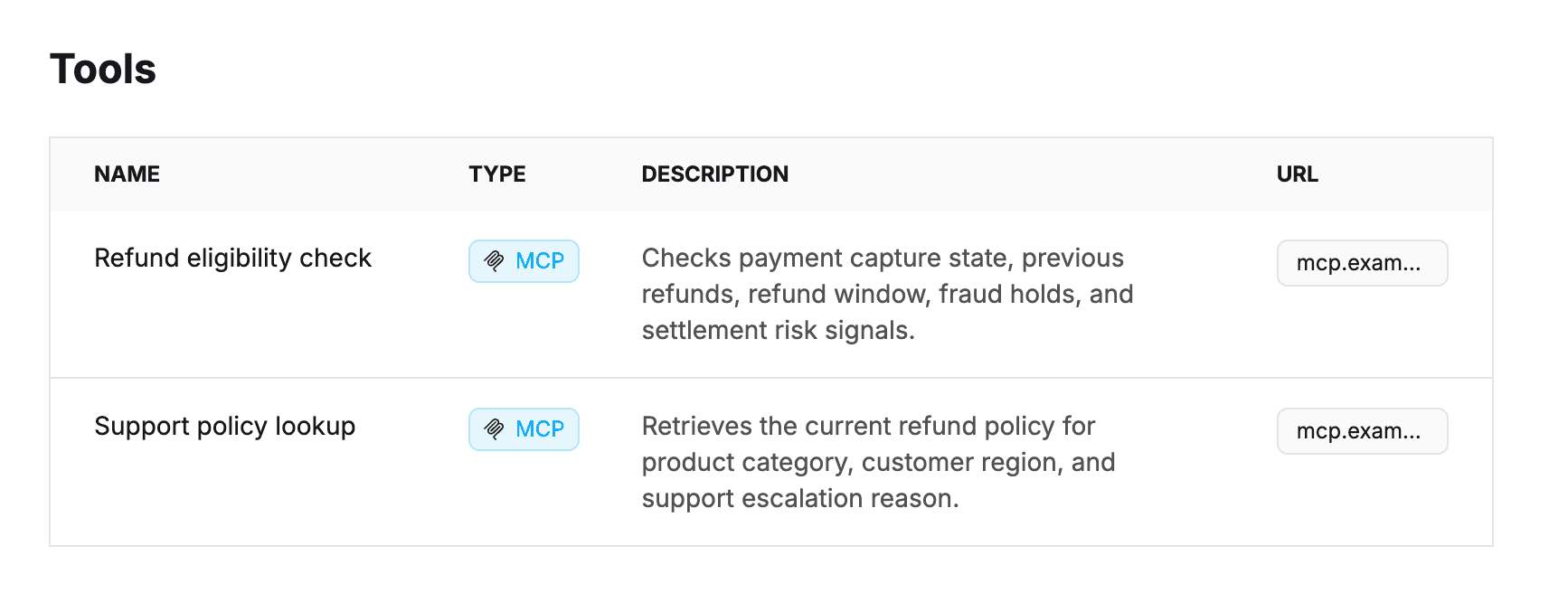
The `type` field is a plain string. `mcp` gets special rendering in the catalog (the MCP logo appears next to the badge), but you can use any value that is meaningful to your team.
## Render tools on the page[](#render-tools-on-the-page "Direct link to Render tools on the page")
Add the [``](/docs/development/components/components/agent-tools.md) component anywhere in your agent's MDX body to render the tools table. The component reads the `tools` array from the current agent's frontmatter — no props needed.
/agents/OrderSupportAgent/index.mdx (example)
```
---
id: OrderSupportAgent
# ... rest of frontmatter
---
This agent helps the support team answer order questions.
## Tools
## Responsibilities
- Summarize the current state of an order for support staff.
```
`` is only supported inside agent pages. If you add it to a service or message page, the catalog will display a warning and skip the table.
